SOLAR LIGHTING BUYER RESOURCES
Prepare the record.Before the order.
Use these solar lighting buyer resources to shortlist a family, prepare an RFQ and identify the files YMG needs to review before sampling or production.
Choose a buying taskCommercial terms, certification scope and final product values are confirmed against the selected model and order—not assumed across the range.

PROCUREMENT TASK DESK
Solar lighting buyer resources, organized by buying stage.
The required information changes as a buyer moves from product selection to packaging approval. Select the task to open the relevant checklist and next route.
BEFORE MODEL SELECTION
Choose the power route from the site.
Review daylight access, cable availability, operating needs and installation responsibility before assuming solar or AC.
- 01Intended position and daylight access
- 02Existing or planned cable route
- 03Required operating schedule
- 04Control and maintenance responsibility
- 05Models that list the applicable power route
READ THE PRODUCT EVIDENCE
Each image answers a different question.
A complete buying discussion separates product identity, application context, visible construction and the current technical record.
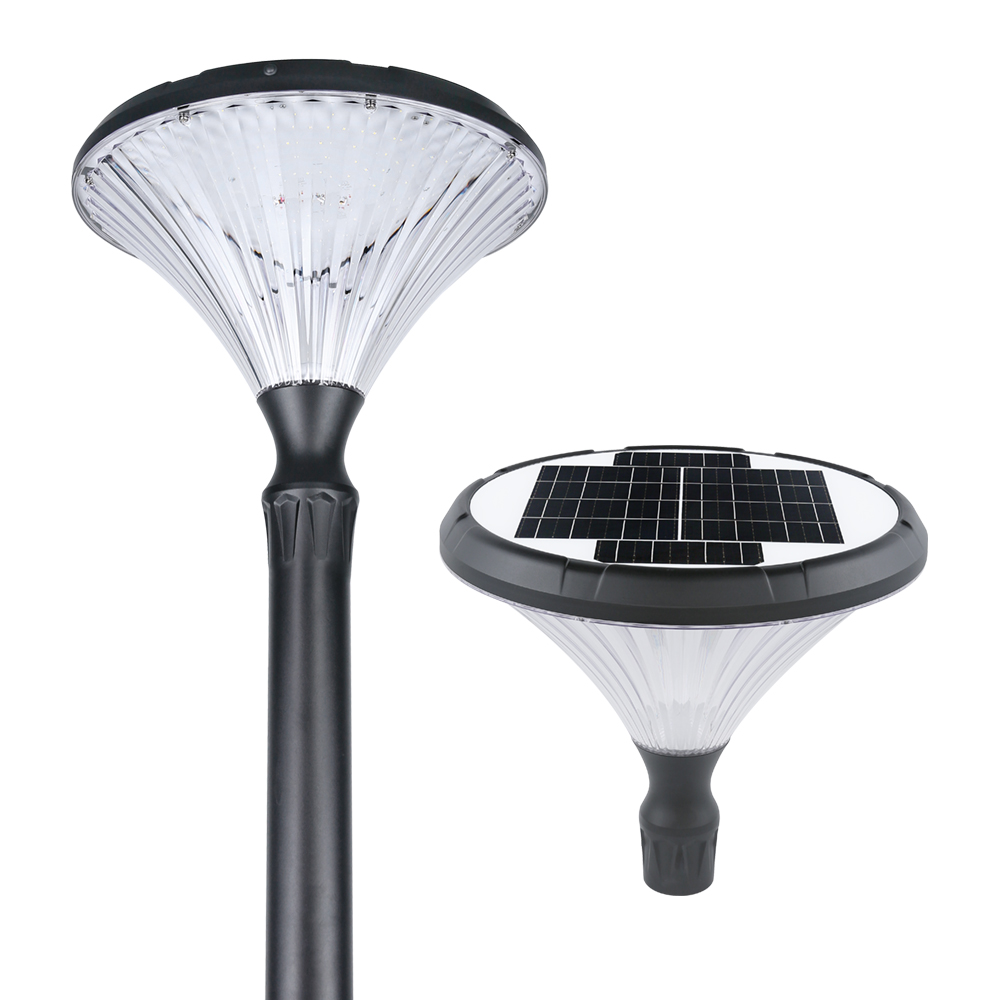
Use the white-background image to identify the product without scene distraction.
Use the scene image to discuss scale, placement and the intended visual relationship.
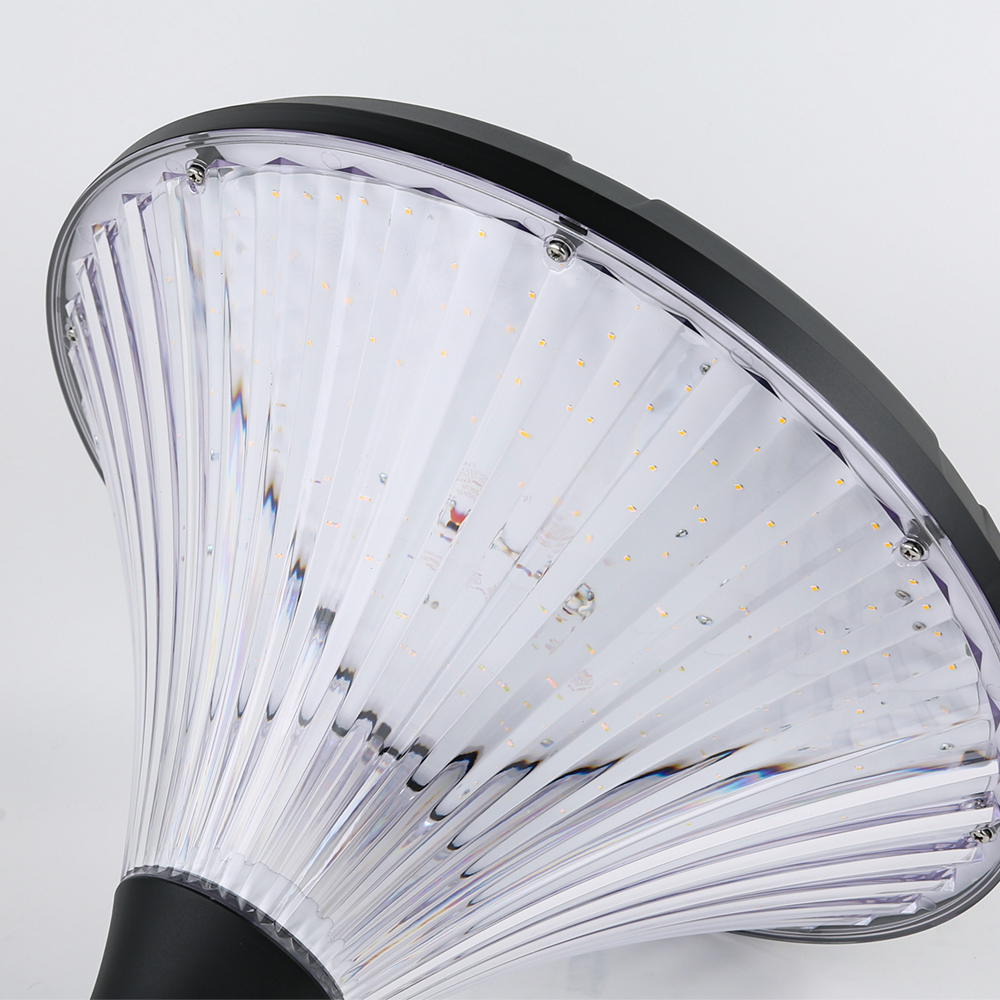
Use detail photography to focus questions on the housing, lens and component arrangement.
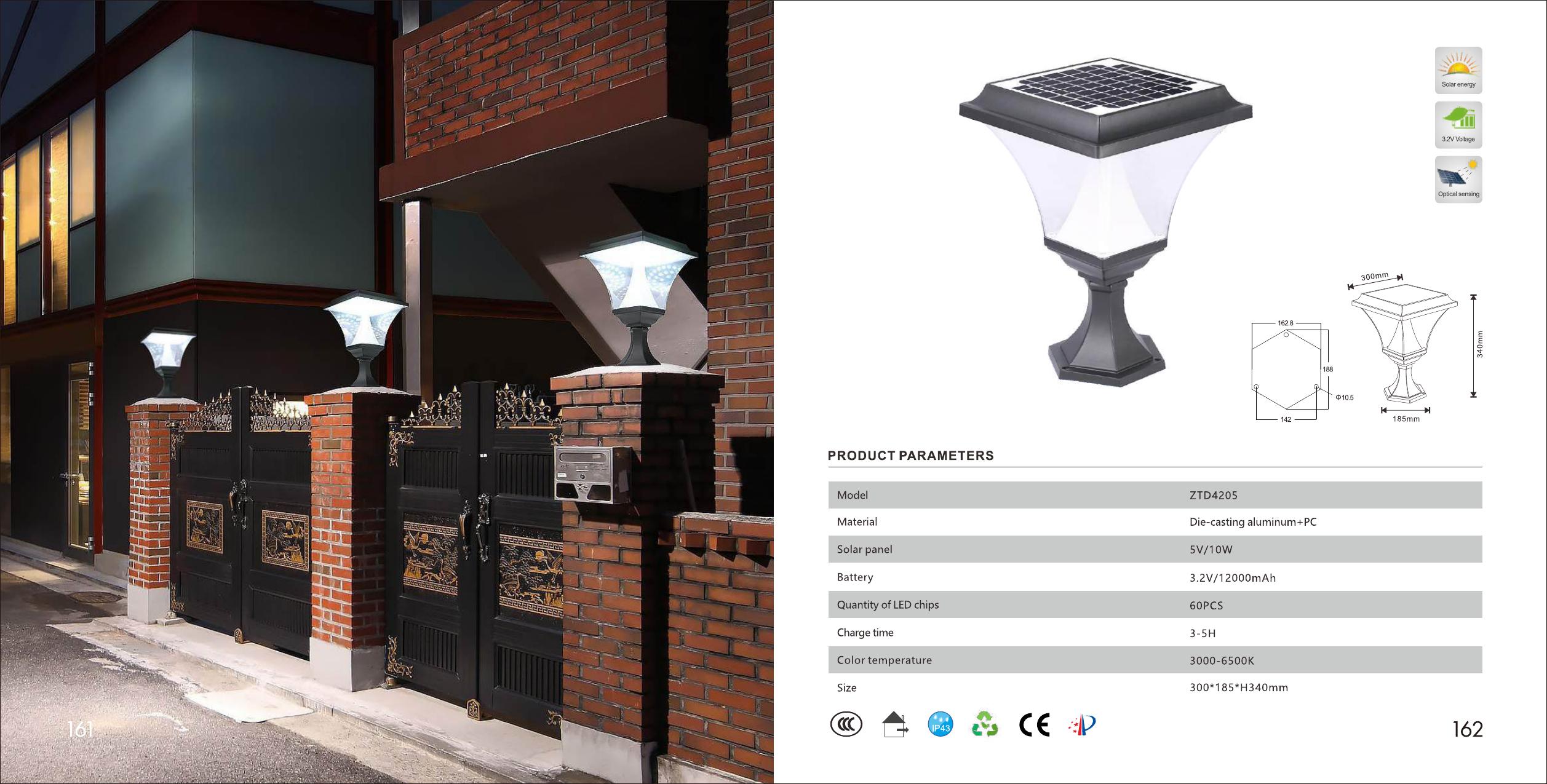
Use the current brochure or model record, then reconfirm final values in the quotation.
PRODUCT BROCHURE
Open the complete YMG product range.
The brochure contains product families, model imagery, drawings and listed specification tables. Use it to create a shortlist; confirm the selected record with export sales before ordering.
Open the product brochureDOCUMENT REQUEST BUILDER
Ask for the records your stage needs.
Choose the family, order stage and information you need. The request stays conditional so it does not imply that every record applies to every model.
COMMERCIAL CONFIRMATION
Keep changing terms inside the quotation.
These items can vary by model, configuration, market and order conditions. The public resource page identifies what to ask; the quotation records the answer.
READY FOR REVIEW
Already have a model list or specification?
Send the model references, target market, estimated quantity and the records you need. YMG export sales can review them against the available product information.
Start a project brief