BUYING GUIDE / PRODUCT RECORDS
Request the record.Use the current version.
A solar light product records request should name the exact model and buying stage. Ask which specifications, dimensions, images and packing information are current before using them for a quotation or product listing.
Open the document register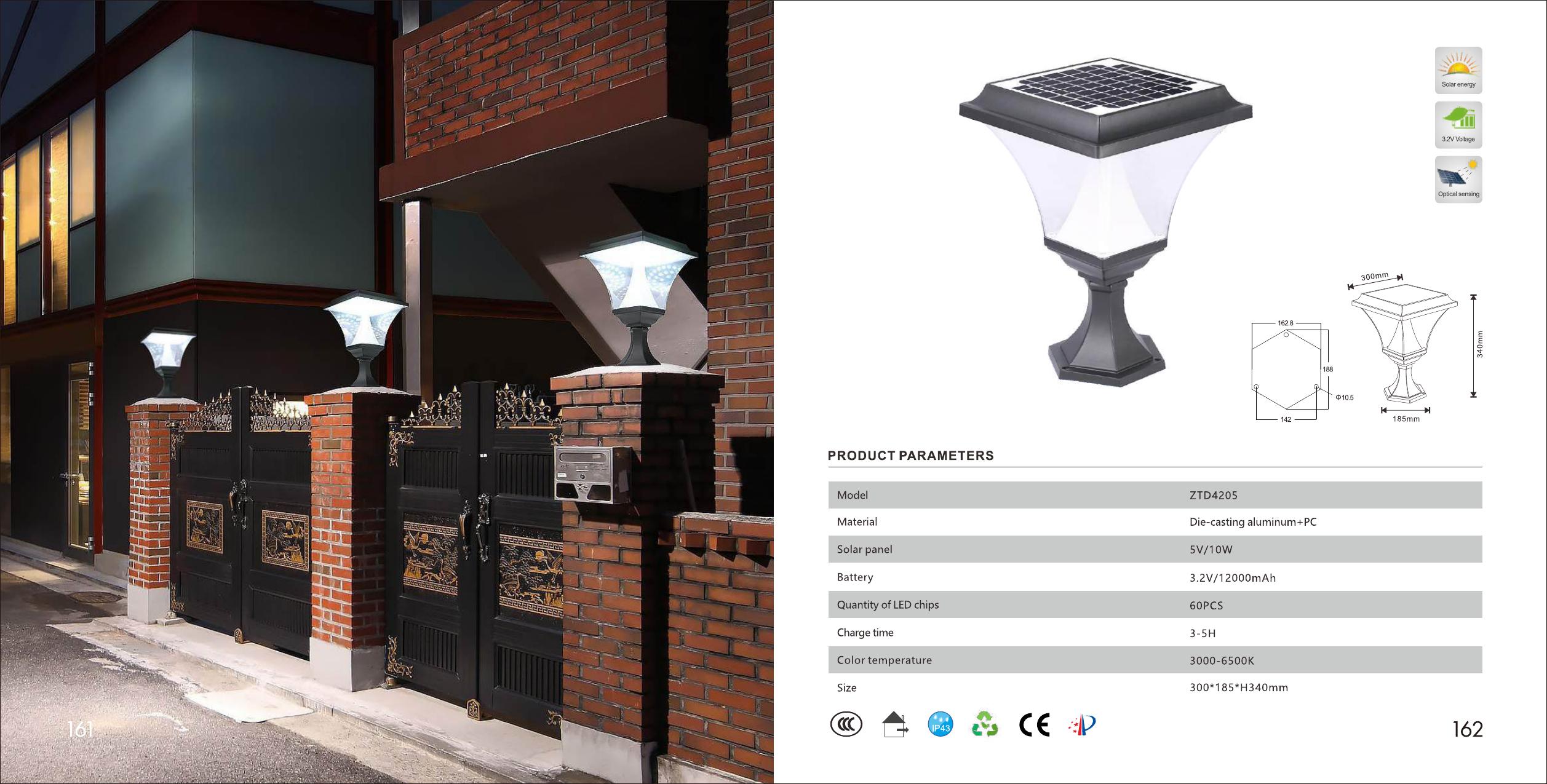
REQUEST ORDER
Identify first. Request second.
A useful file request starts with product identity. The same filename or family name can cover different sizes, systems or document dates.
- MODELName the exact product or attach the reference image.
- STAGEState whether you are shortlisting, sampling, preparing artwork or reviewing an order.
- FILESList only the records needed for the next decision.
- MARKETAdd the target country and any buyer-owned document requirements.
- VERSIONAsk which file is current for the selected model and configuration.
INTERACTIVE DOCUMENT REGISTER
Open the file that answers the next question.
The examples below show the type of evidence each record can contain. Confirm availability and current values for the exact model.
CURRENT MODEL RECORD
Ask for the specification tied to the model.
A specification record can organize the listed material, solar panel, battery, LED quantity, color temperature, dimensions and IP information for one model.
- USE IT TO
- Compare listed model values
- CHECK
- Model, configuration and document version
- DO NOT ASSUME
- That another model shares the same values
BUYING STAGE / FILE SCOPE
Request less early. Add detail when the order becomes real.
The file set should expand with the decision. Asking for every possible document before a model is selected slows the first review.
Identify and compare
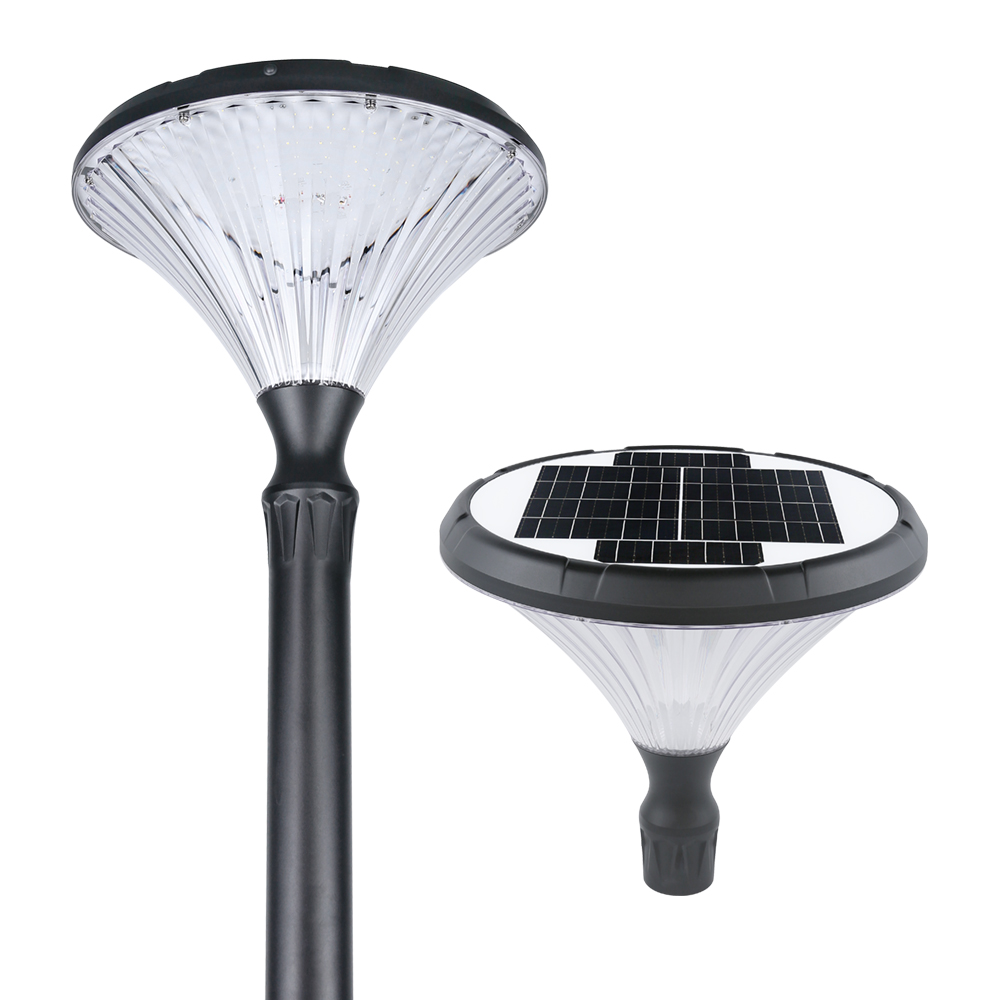
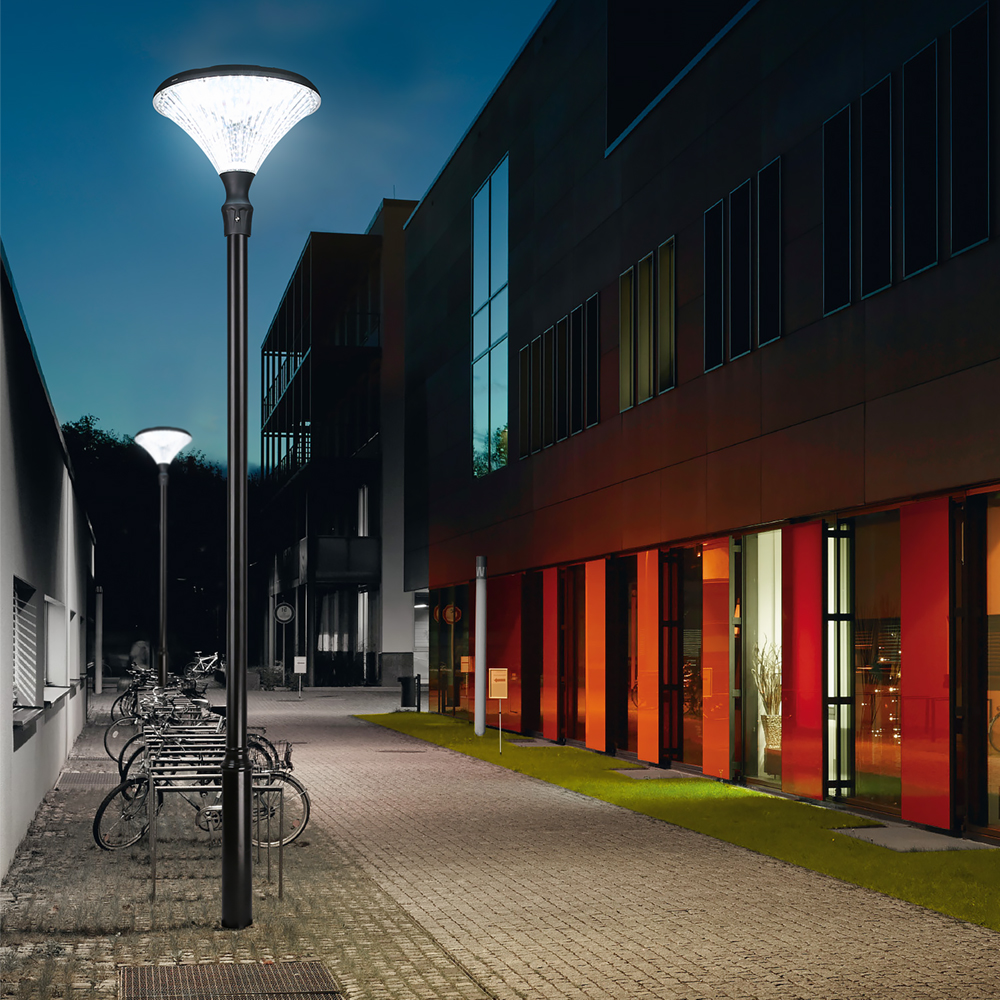
Current specification, main dimensions, white-background image and available application reference.
DECISION / KEEP OR REMOVE THE MODELCheck the selected version
Confirmed configuration, sample record and the product details that need physical review.
DECISION / APPROVE OR REVISEConnect files to one product
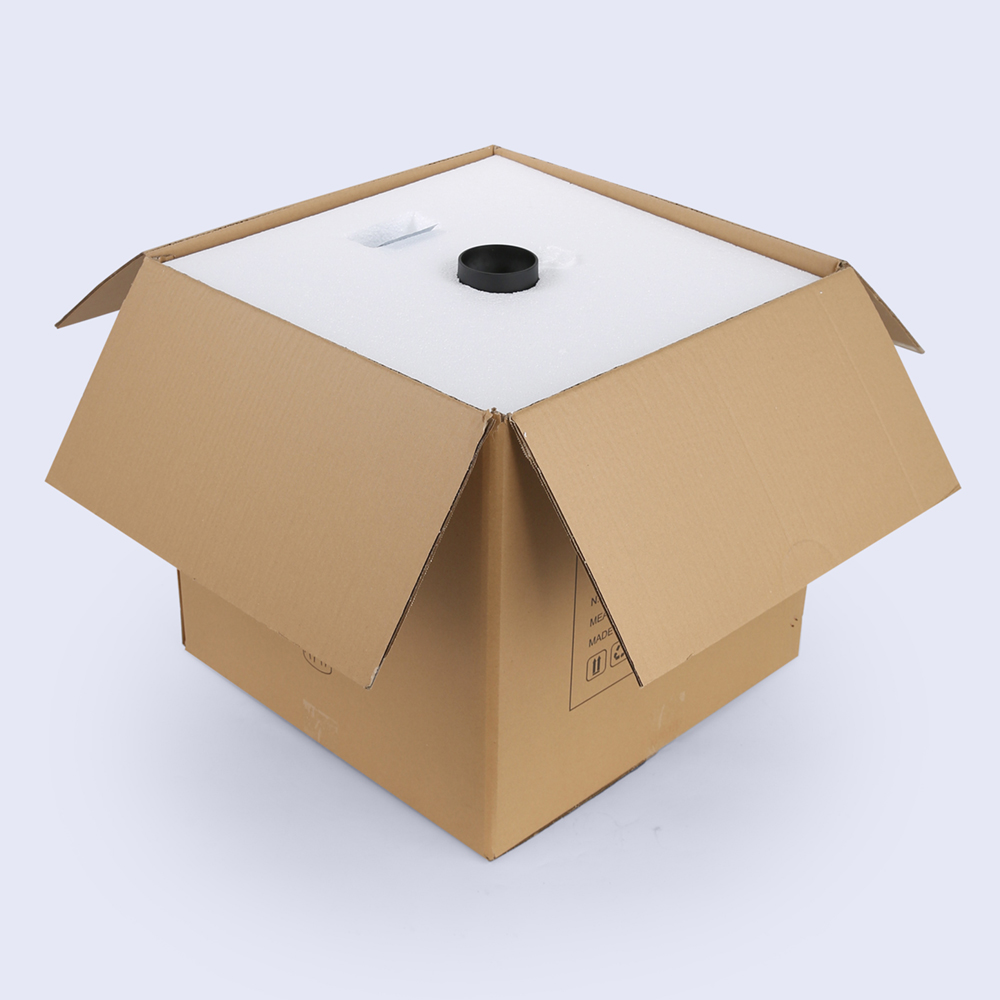
Final model identity, applicable marking, label, packaging and manual inputs.
DECISION / APPROVE VISIBLE CONTENTKeep the handover traceable
Confirmed quotation scope, final artwork version, packing information and order records.
DECISION / RELEASE THE AGREED SCOPETWO LEVELS OF EVIDENCE
Use the website to identify. Use the current record to confirm.
Public pages help buyers find a family, model and visible application. A current model record is still needed before quotation, listing preparation or order approval.
- PUBLIC PAGE
- Product identity, visible form, listed facts and application reference.
- CURRENT RECORD
- The model-specific file supplied or confirmed for the current buying stage.
- QUOTATION
- Commercial terms and selected configuration recorded for the enquiry.
REQUEST ANATOMY
Write a product records request sales can route.
Name the model and stage, then list the records needed for the next decision. Unknown information can remain a question.
Build the record requestEXAMPLE / PRODUCT RECORD REQUESTWe are reviewing GGD003 for a distributor range in Germany. Current stage: sample review. Please confirm whether the current product specification, dimensions, white-background images and packaging information are available for this model.
RECORD BOUNDARY
Do not turn a visible example into an order fact.
Catalog pages and product photographs show useful evidence. They do not confirm current availability, commercial terms or that the same value applies to another model.